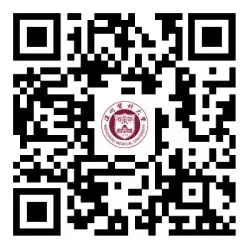
"WMU DING" on the DingTalk App is a one-stop, comprehensive mobile service portal created by Wenzhou Medical University for faculty and students, integrating various online services.
Download, Install, and Register
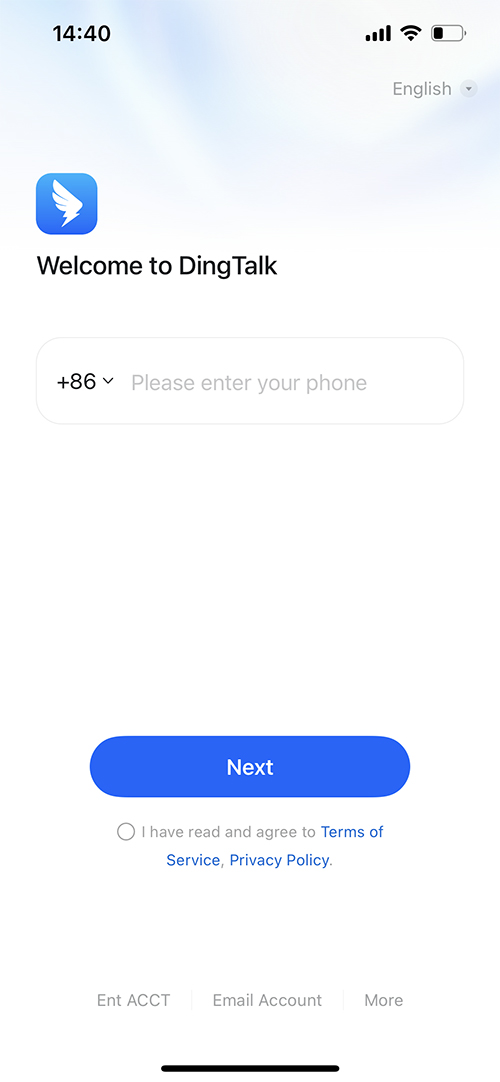
Download the "DingDing" APP and register an account using your personal phone number (there's no need to search for your school or class); simply ensure you can access "DingDing".
Accessing "WMU DING"
Method1:
Scan the QR code of the "Wenzhou Med Univ IT Center" official WeChat account. After following, tap "Teacher & Student Serv" at the bottom right, then select "Access WMU DING."
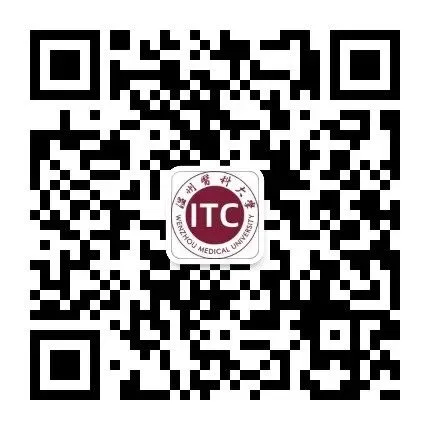
QR code for the Information Technology Center's official WeChat account.
Method 2:
1.Simply scan the QR code with WeChat to gain access to "WMU DING".
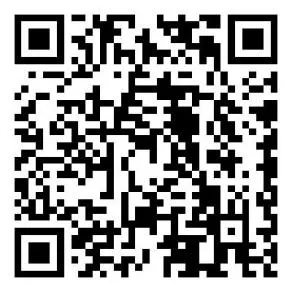
2.After scanning the QR code, you will be directed to the unified identity verification page.
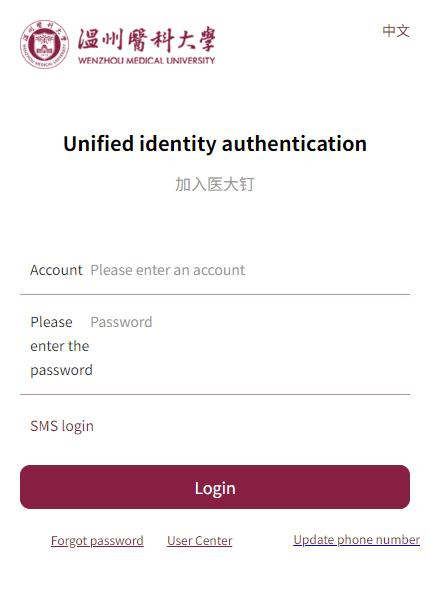
Username: Your Student ID
Initial Password: Your Passport Number
Note: In case of incorrect login credentials, simply click on "Forgot Password" and proceed with the identity verification to reset your password autonomously.
3.After login, enter your phone number and verification code, then tap "Confirm".
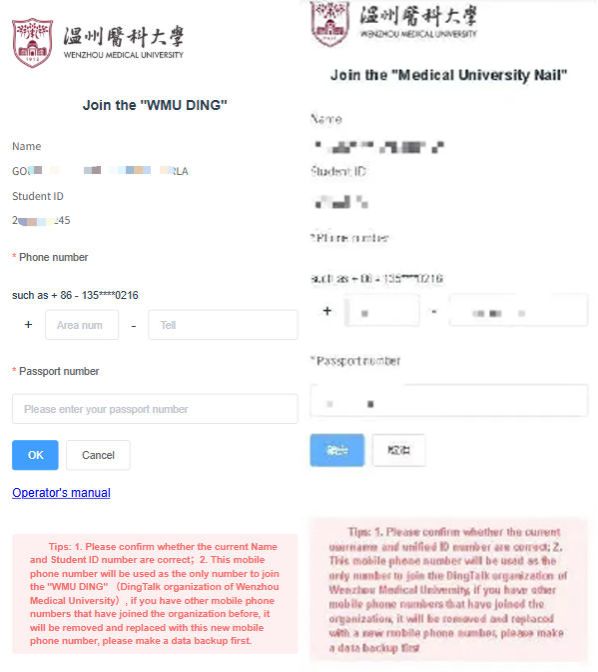
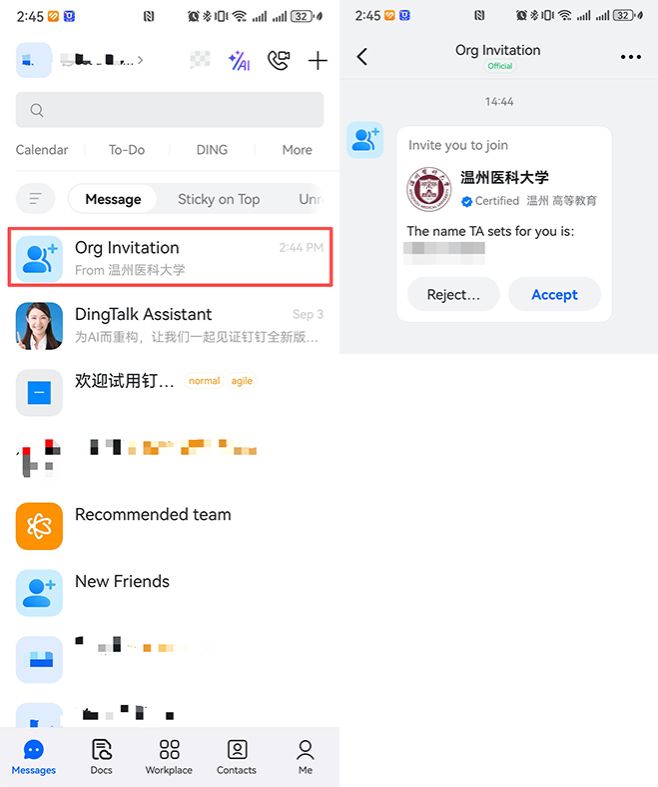
4.Reopen DingDing, find the "Wenzhou Medical University" invitation in messages. If you've turned off "Team invitations need my confirmation," skip this step.
Change Your Phone Number
To change your phone number, scan the QR code below with "DingDing" to modify it.